A Coordinator may want to manually register a member for an event, meeting, or shift
Required access:
You must be a Coordinator or have either of these access levels: Registration Administrator or Administrator
How to get there:
- Go to Admin > Member Management
- Select Registration Tool Manager
Steps to be taken:
- Click on Manage next to the registration tool they are managing
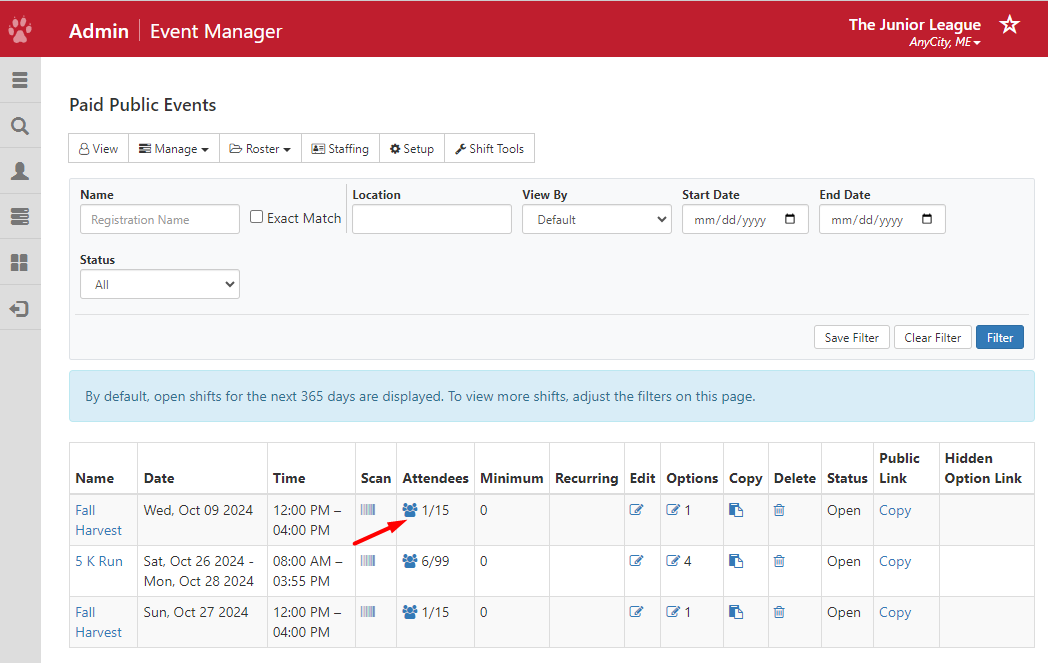
- Click on the Attendees icon
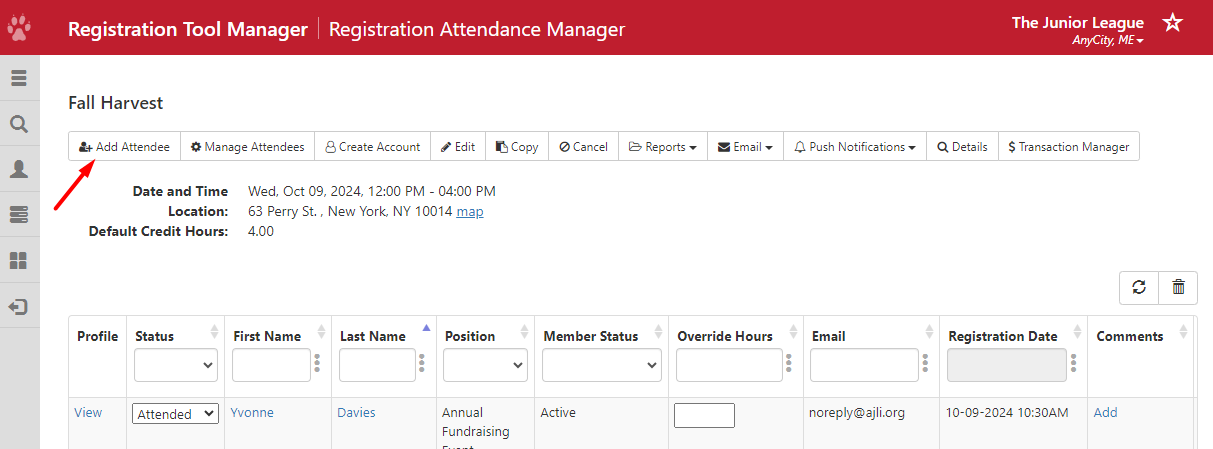
- Click on the Add Attendee button
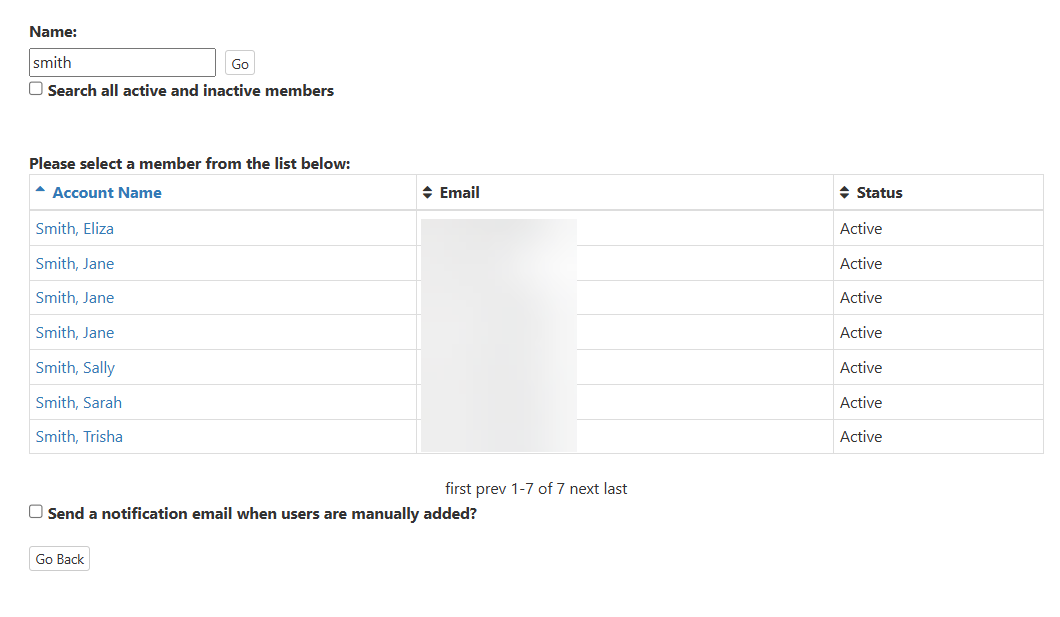
- Search for the member to be registered for the event and select her from the list.