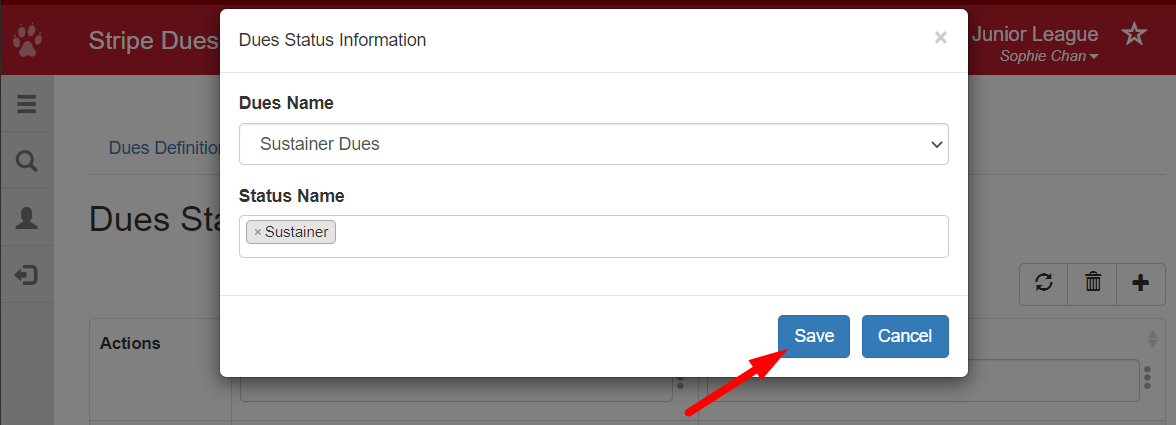
This video shows how to assign dues to a status. (Duration 1:04)
This article will walk through how to associate a Dues Definition to a Status.
Required Access:
You will need the Administrator administrative access level.
Where to Go:
To get to the Dues Status Listing, follow these steps:
- From the Member Portal, click on Admin > Member Management
- Find Dues Listing
- Click Dues Status Listing
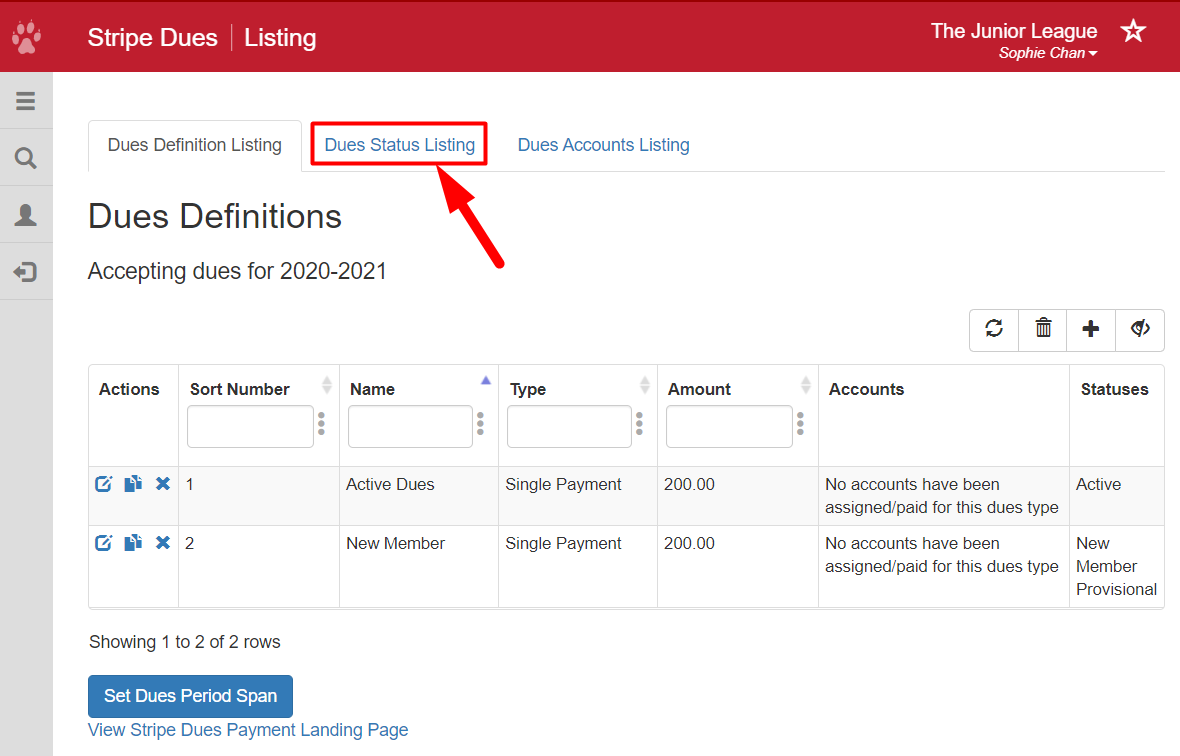
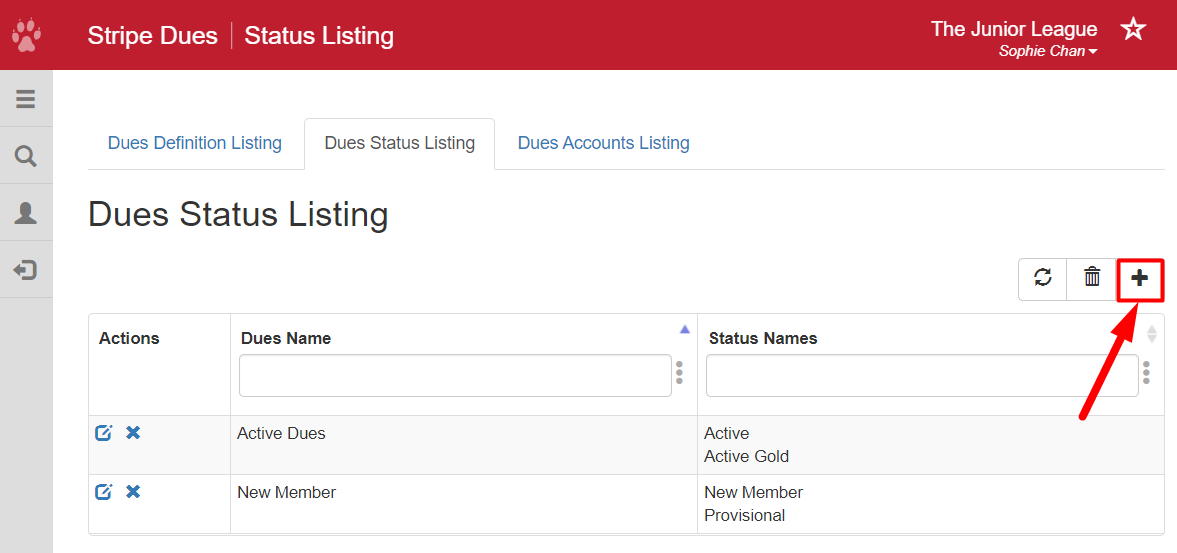
Assigning Dues to a Status:
- Click the plus sign on the right side of the page.
- Select a dues item from the Dues Name dropdown.
- Click into the Status Name field and select a Status that should have this dues item as an option.
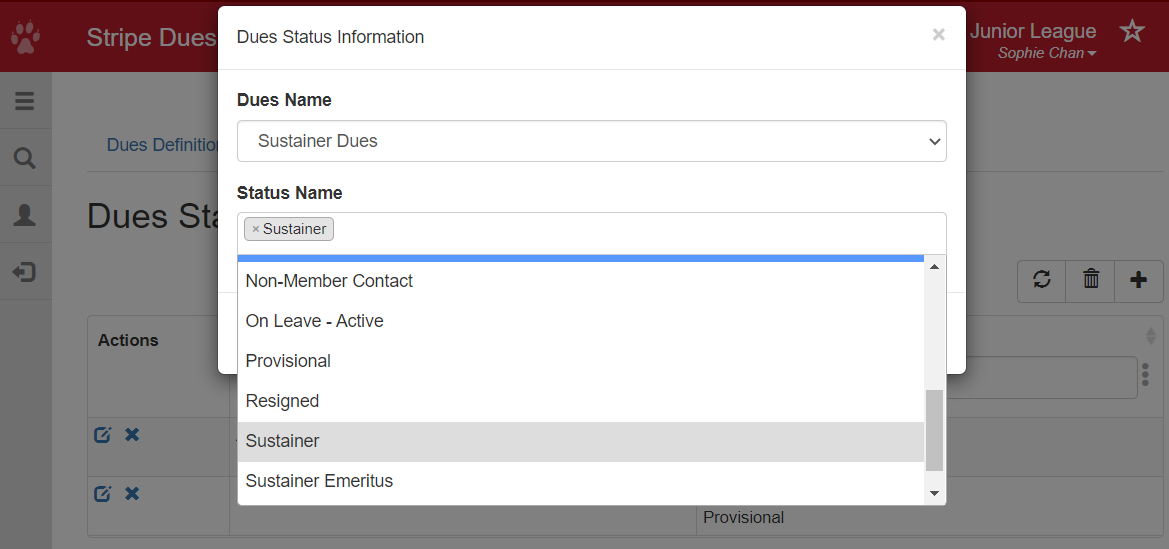
- Repeat the last step as many times as necessary to associate this dues item with all of the desired statuses.
- Once finished, click Save.